Welcome back readers! This weeks task focuses on picking a quote and then creating an image using photoshop that represents the chosen quote.
Part One: Planning
- Firstly, I needed to pick a quote. The quote that I chose was “I can’t believe the news today/I can’t close my eyes and make it go away” – these are lyrics from the song ‘Sunday,Bloody Sunday’ by U2.
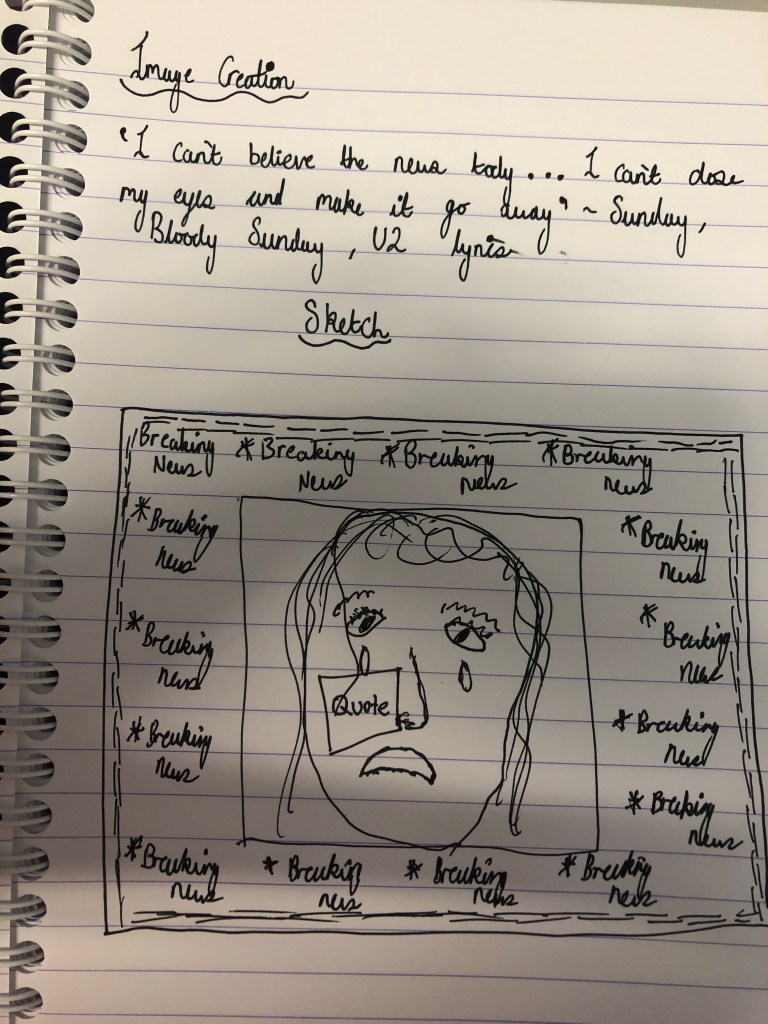
- My initial thoughts when I looked at the quote was that I wanted to capture the emotion of somebody but have them surrounded by a bunch of televisions that were playing the news , then I envisioned the background being designed in a way that a TV looks when it loses signal. As I was thinking of this, I sketched it out to get a better idea of what the composition would be like.
Part Two: Designing
- To create my image I used Adobe Photoshop and then I used google to find PNG’s of images that I wanted to include.
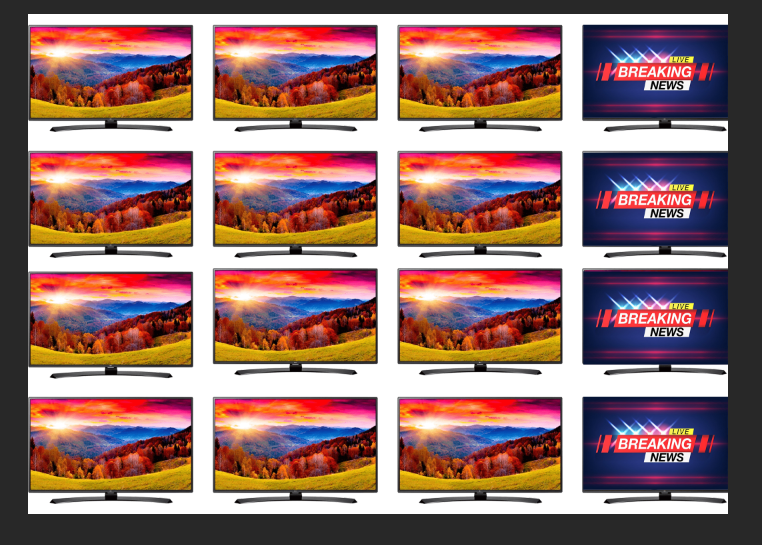
- I found the shape of a TV that I liked the style of so that was the first thing that I imported, originally I thought about having the TV’s cover the background so that is how I positioned them.
- Of course I wanted the TV screens to look like the news so I got an image of ‘breaking news’ and scaled it down to fit inside the TV screens.
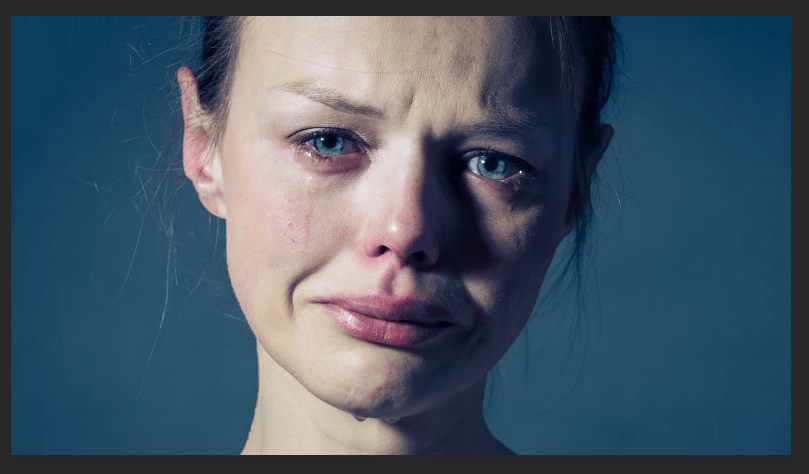
- Next, was finding an image of a person that conveyed the emotion that I was looking for.
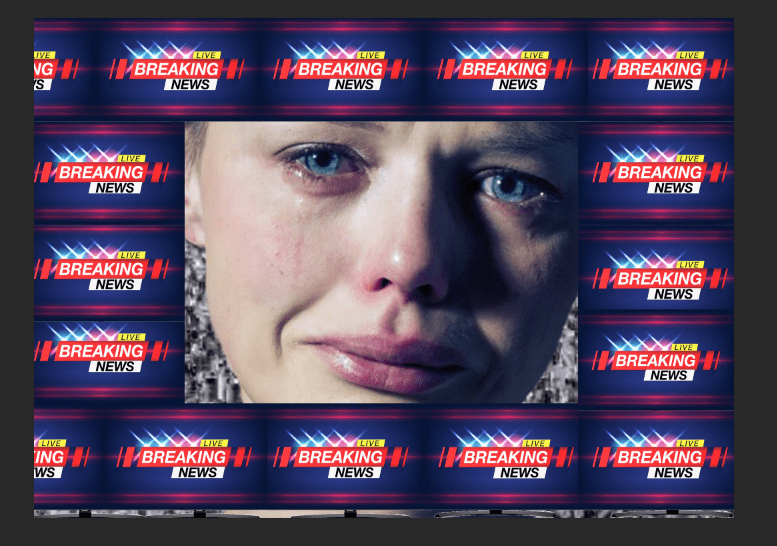
- Pictured below is the image that I decided to use, as you can see it has a blueish/grey background which I wanted to get rid of. To do this I opened the layer separately, then I selected the ‘select and mask’ option.
- Then where the transparency option is I increased that all the way up to 100%.
- Underneath output settings , I selected decontaminate colours and then selected output to ‘new layer with layer mask’ and clicked okay which then cut out the face of the person from the background.
- Once I had all the items for my image I then had to position it all together.
- In the end, I decided that I wanted the breaking news signs to be framing the woman as I felt that would focus more in on her facial features. I also added the static in as the background, to make the arrangement correct I simply just swapped the order of the assets which is in the bottom right of the screen.
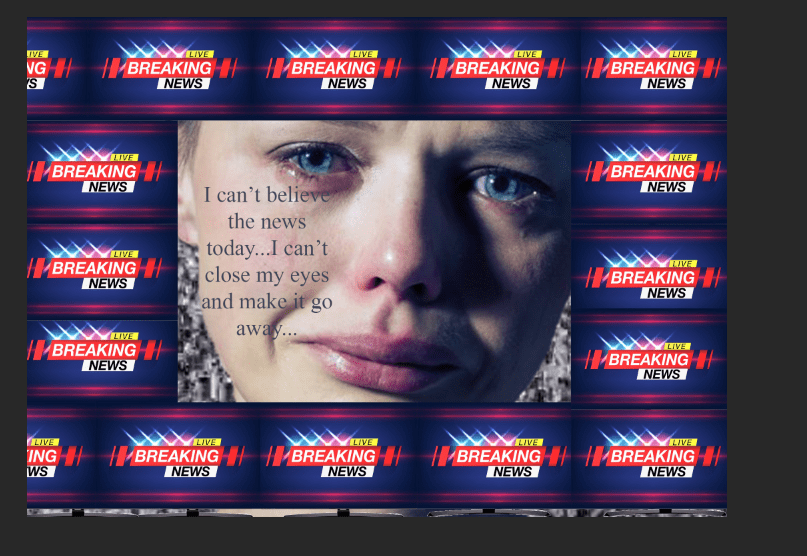
- The final step to complete my image was adding in the actual quote, the typography is very important here for conveying the right emotion. The font that I selected was Mongolian Baiti as I felt that it looked quite serious and factual which fitted the mood of the image. I also chose to make the colour grey as it has quite a sombre feel to it.
- I chose to position the text on the woman’s cheek because I felt that it represented a person crying as tears go down a persons cheek and I felt the words of the quote were symbolic of how a person that is crying would be feeling.
- There is quite a contrast between the breaking news part of the image to the rest of it because it is so bright, however I feel that this works as it implies how alarming the news is and how much of an impact it has on the persons life as they are fading away into a dull background.
 Shantelle-Ellyse Creative Media